How to add a new Telegram account?
The more accounts you connect, the safer your outreach becomes. That’s why we recommend adding multiple accounts. Using several accounts allows you to scale safely:
• Account rotation helps avoid Telegram limits and bans
• Increases the number of messages you can send daily
In short, the more accounts you have, the faster your reach and the safer your campaigns.
Example: If you have a large audience of 3,000 people, one account with a limit of 15 messages per day would need around 200 days to reach everyone. With 10 accounts, you can do it in less than a month, much faster.
1. Proxy setup (Recommended)

You can skip this step, but we strongly recommend not doing so.
A proxy ensures that your account uses its own IP address instead of our server’s IP address.
Without a proxy, your account automatically shares the server IP with many other accounts, which increases the risk of bans. With a proxy, your IP address is unique, making the account much safer.
The proxy type must be SOCKS5, not HTTP.
You can buy proxies here
2. Authorization
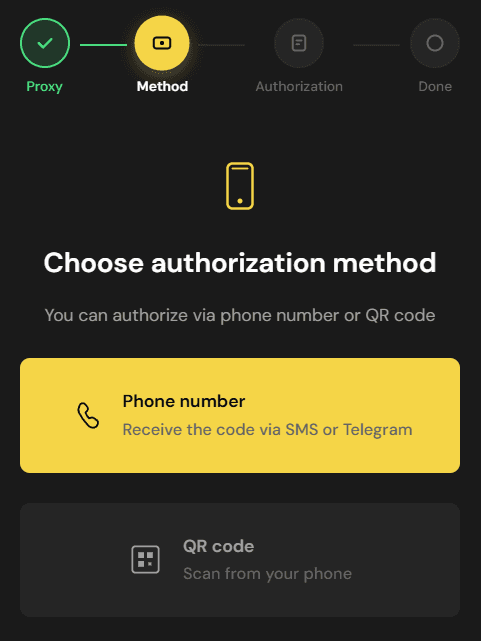
The rest is straightforward: log in using your phone number or via QR code. Simple as that
← All guides