How to set up account warm-up?
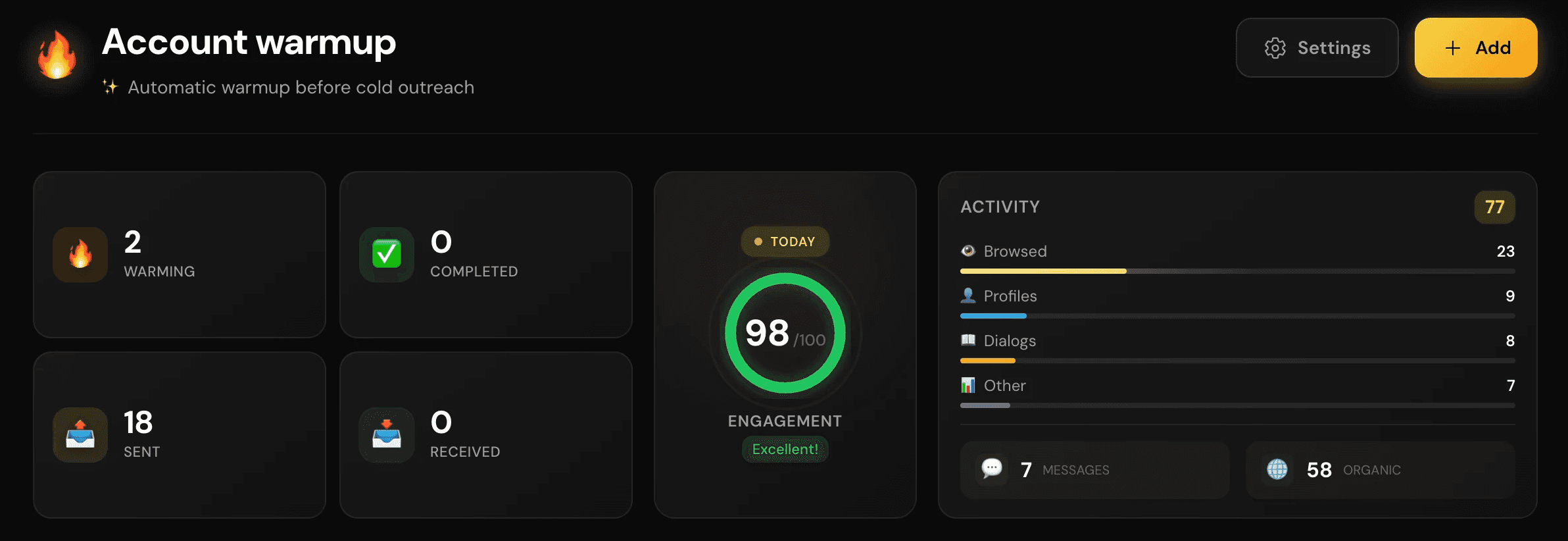
The most common mistake: creating an account and immediately starting outreach.
For Telegram, this looks extremely suspicious. A brand-new account with no history, no activity, and no conversations suddenly starts messaging strangers 😯
You MUST warm up the account before using it. We recommend at least 2 weeks. During this time, the account will automatically:
subscribe to channels
view stories
leave reactions
add contacts
send small volumes of messages (from 1 to 8 per day)
1. Open “Settings” (next to the “Add” button) and set up the schedule
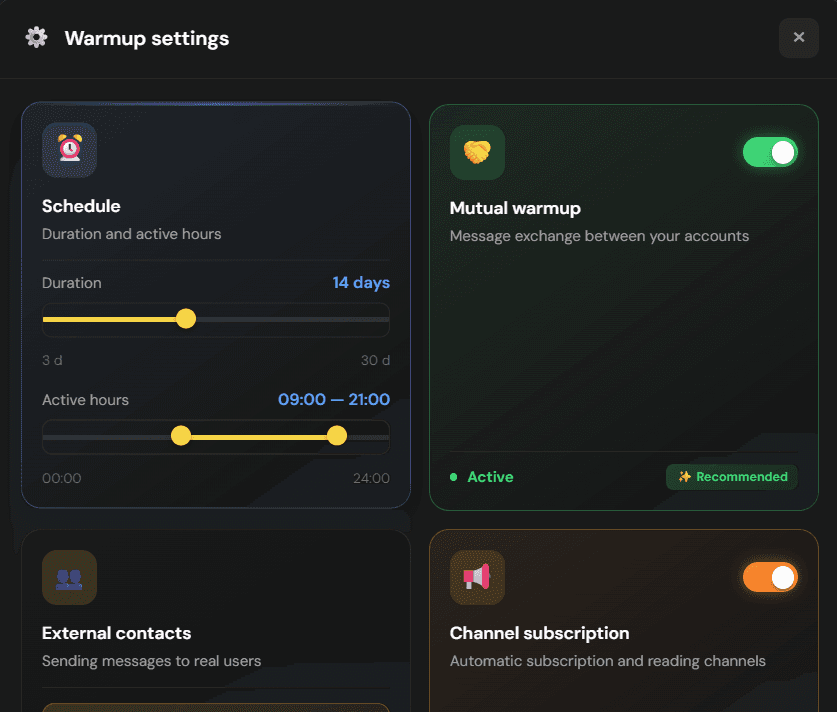
Duration: we recommend at least 14 days. Keep in mind — the longer the warm-up, the safer the account
Activity: start from the beginning of a normal workday (around 8-9 AM) and continue until late evening, for example 11 PM. This helps simulate real human behavior
2. Mutual Warm-Up
We recommend enabling this feature.
Your accounts (if you connected multiple accounts to the platform) will message and reply to each other automatically, which positively affects account health
3. External contacts


Add a loyal audience or a list of friends who are likely to reply to your messages instead of reporting them as spam
4. Channel subscriptions
We recommend enabling this feature.
The account will automatically subscribe to and view channels, which helps imitate natural human activity beyond just outreach
← All guides